
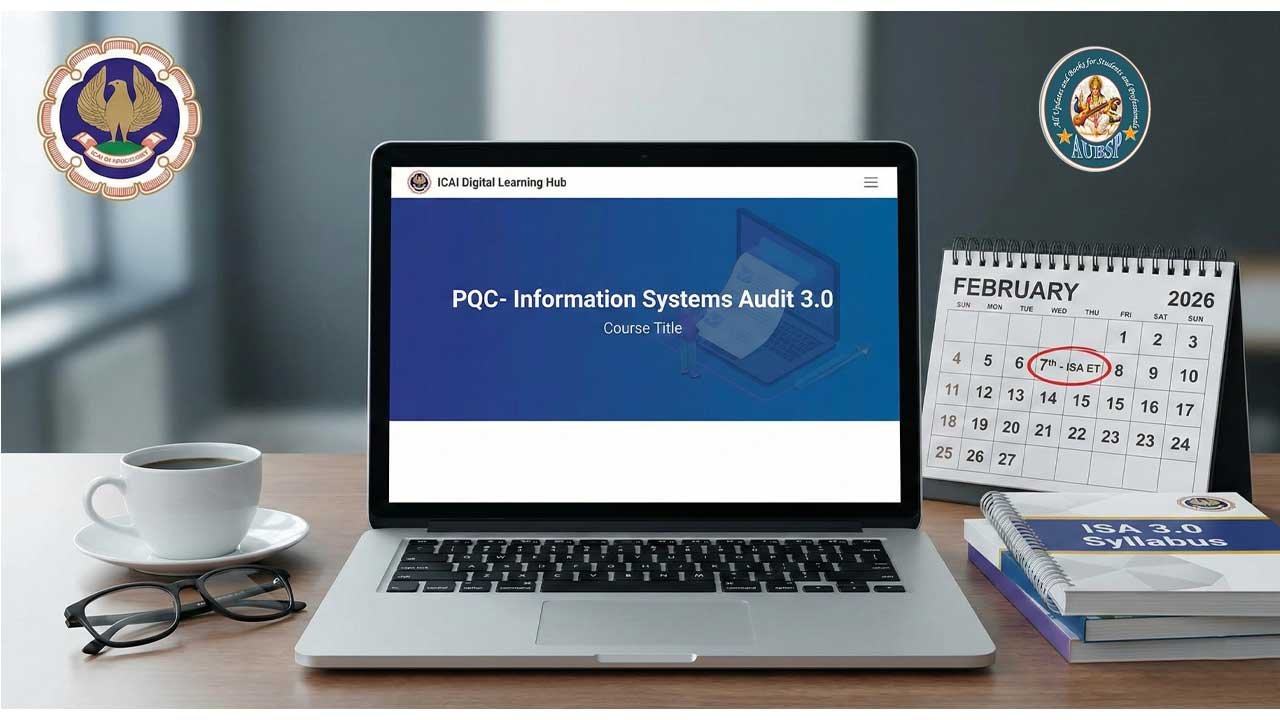
The Digital Accounting and Assurance Board of the ICAI has announced the schedule and protocols for the February 2026 Information Systems Audit (ISA) Eligibility Test.
This guide outlines the critical deadlines, the mandatory transition to the ISA 3.0 syllabus, and the strict technical requirements for the online examination.
Please mark these dates immediately to avoid disqualification.
| Event | Date | Time |
|---|---|---|
| Verify DLH Login | Jan 4, 2026 | Before EOD |
| Face Registration Opens | Jan 8, 2026 | 11:00 AM |
| Face Registration Closes | Jan 30, 2026 | 5:00 PM (Strict Deadline) |
| Mock Test | Feb 4, 2026 | 10:00 AM – 1:30 PM |
| Main Eligibility Test | Feb 7, 2026 | 10:00 AM – 12:30 PM |
Note on Registration: The registration window is open for only 23 days. No extensions will be granted for Face Registration.
Eligibility & Syllabus Updates (Crucial)
Mandatory Transition to ISA 3.0
- ISA 2.0 Expired: All previous syllabus attempts have expired.
- Requirement: All members must now appear under the ISA 3.0 Syllabus. This applies even if you have attempted the test previously under the old syllabus.
Who Can Register?
- ICAI Members with an active membership number.
- Members who completed Professional Training (PT) and met eligibility requirements by December 31st, 2025.
Registration Process
ICAI has distinct workflows depending on your attempt history. Follow the path relevant to you.
Pathway A: First-Time Candidates
- Fee: Exempt (Free).
- Steps:
- Log in to the Digital Learning Hub (DLH) at https://learning.icai.org using SSP credentials.
- Go to “My Dashboard.”
- Locate product:
PQC- Information Systems Audit 3.0 --Eligibility_Test_February-2026. - Click “Launch Assessment” and complete Face Registration.
Pathway B: Repeat Candidates (2nd Attempt Onwards)
- Fee: Rs. 500 (Rupees Five Hundred).
- Steps:
- Log in to https://learning.icai.org using SSP credentials.
- Go to “My Dashboard.”
- Click on:
Information Systems Audit 3.0 - Re-assessment Eligibility February 2026 (Eligibility Product). - Launch the batch and click the Payment Link (First node).
- Pay the fee.
- Once paid, locate the new product:
PQC- Information Systems Audit 3.0 --Eligibility_Test_February-2026in “My Products.” - Launch and complete Face Registration.
Face Registration (Prerequisite)
Face registration is biometric verification required to access the exam. It is a one-time process; if you have done this for previous exams on the DLH portal, you do not need to repeat it.
The Rules:
- Processing Time: Approval takes 24 to 48 hours. Do not wait until the last day.
- Lighting: Ensure good lighting; face must occupy 50%+ of the frame. No backlighting.
- Appearance: No sunglasses, masks, or face coverings.
- Privacy: Only the candidate must be in the frame.
- Process: You will capture 5 images via webcam for Admin approval.
Technical Requirements & Anti-Cheating
The system uses robust monitoring. Failure to adhere to these rules will result in an automatic lockout.
Hardware Requirements
- Device: Desktop or Laptop ONLY.
- Prohibited: Mobile phones or tablets (results will be withheld).
- Webcam: Functional and attached.
- Internet: High-speed, stable connection (The timer does not stop during connectivity loss).
⚠️ Critical Warnings (Do Not Ignore)
The exam console will Auto-Submit and Lock if you:
- Minimize the exam window.
- Refresh the page (F5).
- Press special keys (Windows key, Alt+Tab, etc.).
- Click on the taskbar or open other applications.
Idle Timeout: If you are out of the webcam view or inactive for more than 5 minutes, the session disables. You must re-authenticate (blink in front of the camera) to resume.
Examination Format & Navigation
- Duration: 150 Minutes (2.5 Hours).
- Format: Multiple Choice Questions (MCQ).
- Navigation:
- Save & Next: Saves answer, moves to next.
- Mark for Review & Next: Saves answer, flags for review.
- Question Palette: Allows jumping to specific questions/sections.
- Submission: The test auto-submits when the timer hits zero.
The Mock Test (Feb 4th)
- Purpose: To familiarize yourself with the interface.
- Duration: 50 minutes.
- Results: Not declared (Practice only).
- Access: Via “My Products” > Launch
PQC- Information Systems Audit 3.0.
Resources & Support
- Study Material (ISA 3.0): Download Background Material
- Helpline: 0120-3045961 / 3045992 / 3045963
- Email Support:
- General:
isa@icai.in - Login Issues:
elearning@icai.in
- General:
Next Step for You
If you have not logged into the Digital Learning Hub recently, verify your SSP login credentials immediately (before Jan 4th) to ensure you are ready when registration opens on January 8th.


Leave a Reply
You must be logged in to post a comment.