
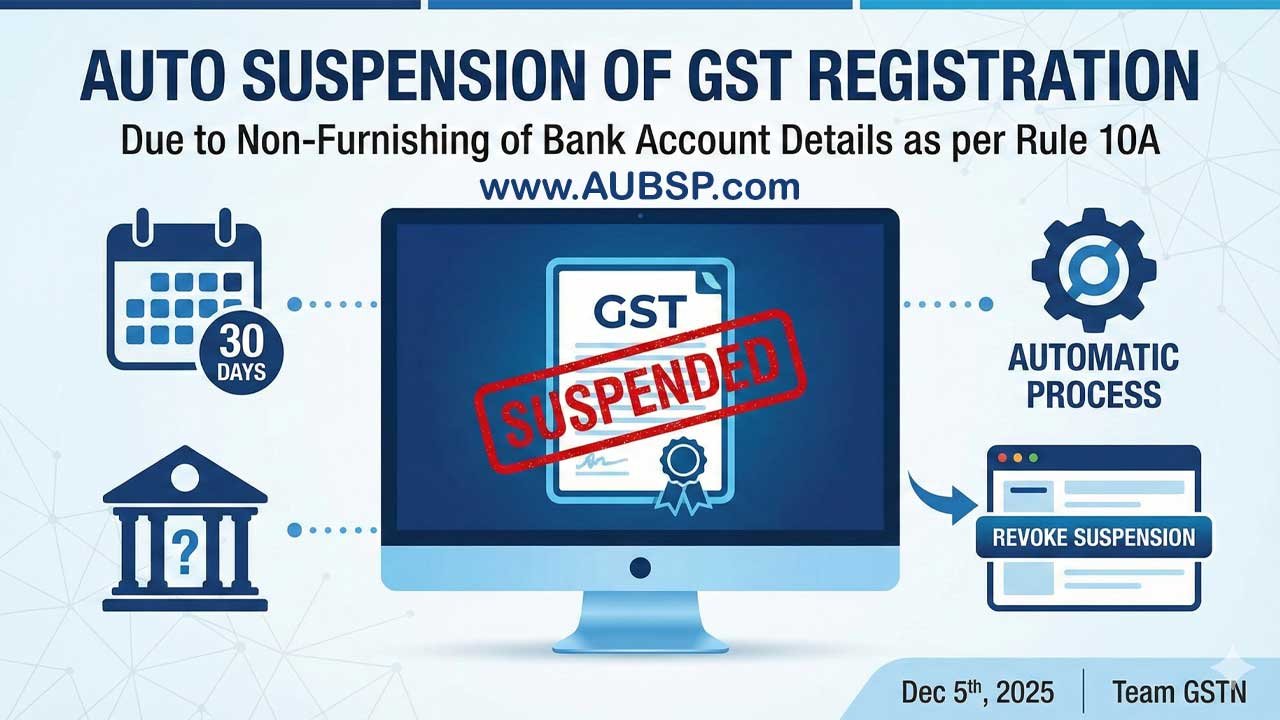
The GSTN has introduced strict enforcement of Rule 10A, under which GST registrations will now be automatically suspended if taxpayers fail to furnish valid bank account details within 30 days of registration or before filing GSTR-1/IFF, whichever is earlier.
This automation replaces earlier notice-based reminders, and suspended taxpayers will receive an intimation viewable under “View Notices and Orders.” To restore their registration, taxpayers must promptly update their bank details through a Non-Core amendment; once submitted, the system is designed to automatically drop the suspension, with a manual “Initiate Drop Proceedings” option available if needed.
While regular taxpayers must comply, categories such as TCS/TDS registrants, suo-moto registrations, NRTPs, and standard OIDAR entities are exempt from this automation.
| Topic | Details |
|---|---|
| Rule 10A Requirement | Taxpayers must furnish valid bank account details after registration. |
| Deadline | Within 30 days of registration or before filing GSTR-1/IFF, whichever is earlier. |
| New Update | GSTN now automatically suspends registrations for non-furnishing of bank details. |
| Suspension Notice | Available under Services → User Services → View Notices and Orders. |
| How to Revoke Suspension | File a Non-Core amendment and add bank details; suspension auto-revokes. |
| Manual Option | If not auto-dropped, use “Initiate Drop Proceedings” in the Notices section. |
| Affected Taxpayers | Regular taxpayers. |
| Exempt Categories | TCS/TDS, Suo-moto, NRTP, OIDAR (standard). |
| Special Case | OIDAR with Indian representative must furnish bank details. |
| Action Needed | Add valid bank account promptly to avoid suspension and filing blockage. |
Automatic Suspension for Non-Furnishing of Bank Details (Rule 10A)
Critical GST Update: The Goods and Services Tax Network (GSTN) has implemented a significant update to the GST Portal regarding Rule 10A compliance. Effective immediately, the system has moved towards strict enforcement measures, introducing automatic suspension of GST registrations for taxpayers who fail to furnish valid bank account details within the prescribed timeline.
If you are a newly registered taxpayer, or if you have pending bank details to update, this advisory is critical for your business continuity.
Understanding Rule 10A: The Mandate
Under Rule 10A of the CGST Rules, 2017, taxpayers are required to furnish their bank account details to the GST authorities. This is a mandatory compliance step to verify the authenticity of the business and facilitate refunds.
The Timeline:
Taxpayers must furnish these details within the earlier of the following two dates:
- 30 days from the date of grant of registration; OR
- Before furnishing the details of outward supplies in GSTR-1 or using the Invoice Furnishing Facility (IFF).
Note: This applies to all regular taxpayers. Specific exemptions are listed in Section 4 of this article.
The New Mechanism: Automatic Suspension
Previously, non-compliance might have led to notices. Now, the GST Portal has automated the penal consequences.
How the Automation Works
If the 30-day window passes without the bank account details being updated:
- System Action: The GST system will automatically suspend the taxpayer’s registration.
- Notification: An intimation/order regarding the suspension will be generated.
- Visibility: You can view the suspension order by navigating to:
Services > User Services > View Notices and Orders
How to Revoke Suspension (The Fix)
If your registration has been suspended due to this specific issue, the GSTN has streamlined the revocation process. It does not necessarily require a visit to the tax office.
Step 1: Add Bank Account Details
You must update your profile immediately via a Non-Core Amendment.
- Navigation:
Services > Registration > Amendment of Registration (Non-Core Fields) - Action: Click on the “Bank Accounts” tab, add your valid account details, and submit the application with DSC/EVC.
Step 2: Automatic Dropping of Proceedings
Once the amendment application is successfully submitted and the bank details are furnished:
- The system is designed to automatically drop the cancellation proceedings.
- The suspension should be revoked automatically.
Step 3: Manual Intervention (If Required)
If the proceedings are not automatically dropped on the same day after you have furnished the details, a manual trigger is available.
- Navigation:
Services > User Services > View Notices and Orders - Action: Click the “Initiate Drop Proceedings” button.
Exemptions and Special Cases
Not all registrants are bound by this specific automation. Please check if you fall under the following categories:
| Taxpayer Category | Requirement Status |
|---|---|
| Regular Taxpayers | Mandatory |
| TCS / TDS Registrants | Exempt |
| Suo-moto Registrations | Exempt |
| NRTP (Non-Resident Taxable Person) | Exempt |
| OIDAR (Standard) | Exempt |
| OIDAR (with Indian Representative) | Mandatory (If “Representative Appointed in India” is selected as ‘Yes’) |
Summary Checklist for Taxpayers
To avoid business disruption and the blocking of E-Way Bills or GSTR-1 filing:
- Check your Profile: Ensure a valid bank account is linked.
- Monitor Notices: Regularly check the “View Notices and Orders” tab.
- Act Fast: If suspended, file the Non-Core amendment immediately to trigger the auto-revocation.
FAQs
What is the new GST update regarding Rule 10A?
GSTN now automatically suspends GST registrations if taxpayers fail to furnish valid bank account details within the prescribed timeline.
Who is required to furnish bank account details under Rule 10A?
All regular taxpayers must provide valid bank account details after registration.
What is the deadline to update bank account details?
You must add your bank details within 30 days of registration or before filing GSTR-1/IFF, whichever comes first.
What happens if I do not update my bank details on time?
Your GST registration will be automatically suspended by the GST system.
How will I know if my registration has been suspended?
You will receive an intimation, which can be viewed in the “View Notices and Orders” section of the GST portal.
Can I continue filing returns during suspension?
No. Suspension restricts activities such as filing GSTR-1 and generating e-way bills.
How can I revoke the suspension caused by missing bank details?
You need to submit a Non-Core amendment by updating your bank details on the portal.
Where do I update my bank details on the GST portal?
Go to Services → Registration → Amendment of Registration (Non-Core Fields) → Bank Accounts.
Is the suspension revoked automatically after updating bank details?
Yes, the system is designed to automatically drop the suspension once valid bank details are submitted.
What if the system does not auto-drop the suspension?
You can use the “Initiate Drop Proceedings” option under “View Notices and Orders” to trigger manual revocation.
Do TCS or TDS registrants need to provide bank details?
No, they are exempt from this Rule 10A automation.
Are suo-moto registrations affected by this suspension rule?
No, suo-moto registrations are exempt.
Are NRTP (Non-Resident Taxable Persons) required to update bank details?
No, NRTPs are exempt from this automatic suspension rule.
Do OIDAR service providers need to furnish bank account details?
OIDAR (standard) is exempt, but if an Indian representative is appointed, furnishing bank details is mandatory.
Can I add multiple bank accounts in my GST profile?
Yes, GST allows multiple bank accounts, but at least one valid primary account must be furnished.
What happens if I provide invalid or mismatched bank information?
The application may be rejected, and the suspension will not be lifted until correct details are submitted.
Does suspension under Rule 10A lead to cancellation?
If bank details remain unfurnished despite suspension, the system may initiate cancellation proceedings.
Can suspension under Rule 10A affect e-way bill generation?
Yes, e-way bill generation gets blocked when registration is suspended.
What is the best way to avoid suspension?
Immediately add valid bank account details after registration and regularly check for notices on the GST portal.


Leave a Reply
You must be logged in to post a comment.